


Care for others
in illness and in health
Their appointments, medications and care, remembered together.














Checking in on your mum, dad, partner or kids

Recovering from a stroke

Facing
with everyone on the same page.

For every kind of care
chronic or acute
Your family’s
caring companion.
Understand their results, prepare for appointments, and make sense of their shared records with Alo.
 Mum’s latest blood results are in. What’s changed?

Their health, in focus.
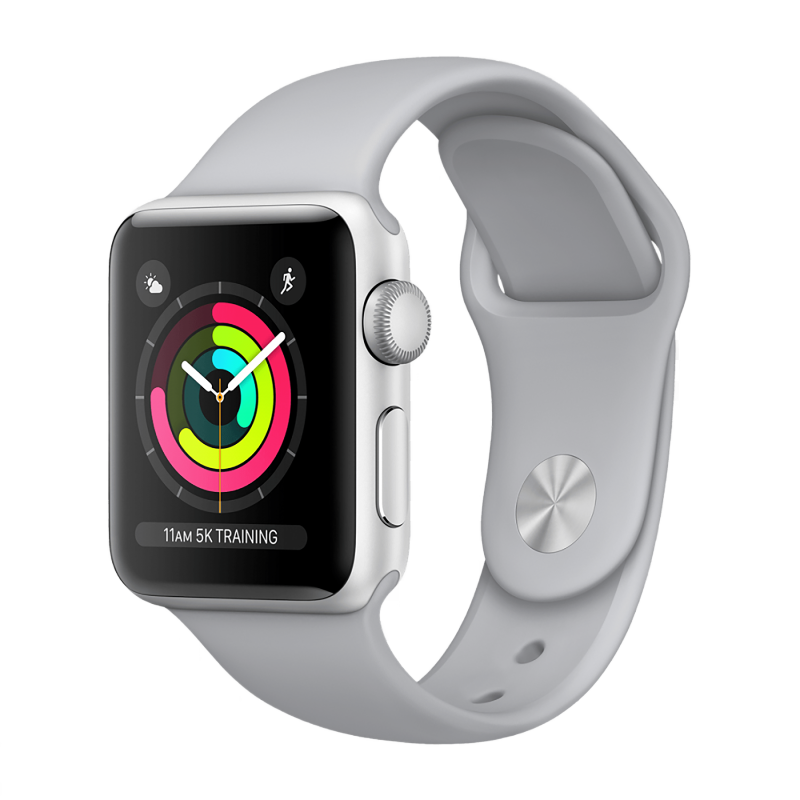
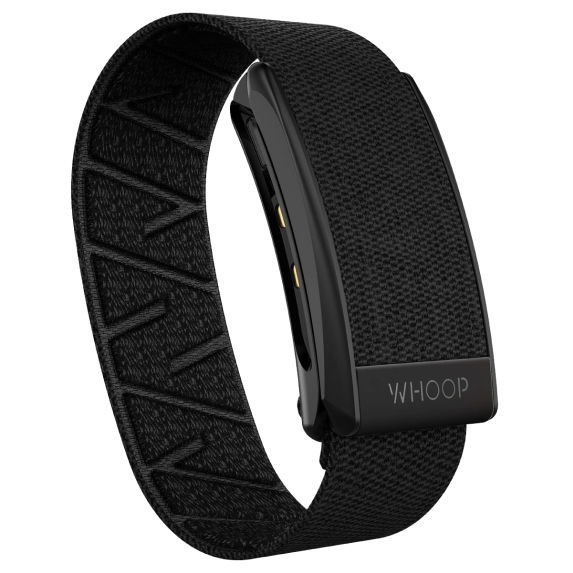
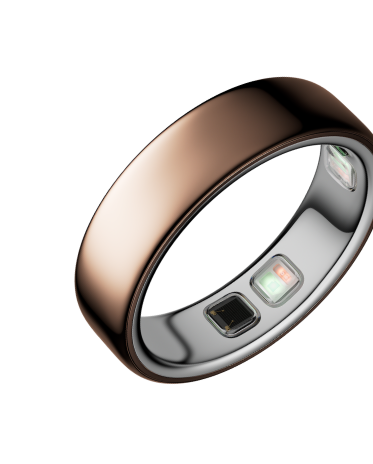
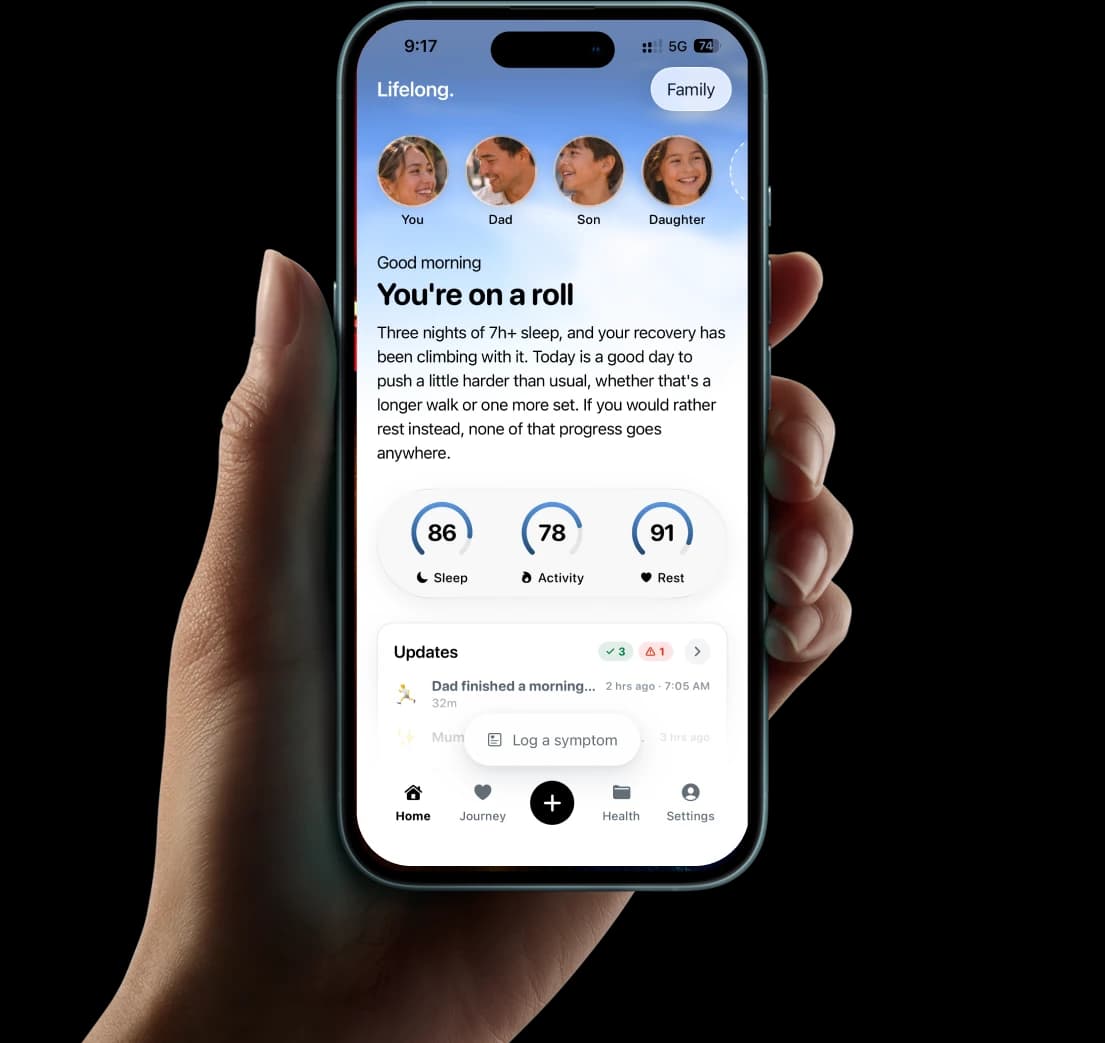
Their sleep, activity and recovery, health summary and biomarkers, together in one place.
Serena
Last synced 2h ago
 85
85Sleep
 Sleep
Sleep 52
52Activity
 Activity
 71
71Recovery
 Recovery
120 biomarkers
86In range
12Low
22High
Summary
Serena’s blood pressure has trended down since starting lisinopril in March. Cholesterol remains slightly elevated. Sleep has been steady this week; recovery dipped after Tuesday’s poor night.
Before the appointment.
A timely reminder and a report to review, so you’re ready for their next appointment.




 Prepare
 Maps
MapsIn the family group chat.
See everyone’s week, celebrate the small wins, and keep looking after each other. Alo brings your family’s health into the conversation in iMessage.






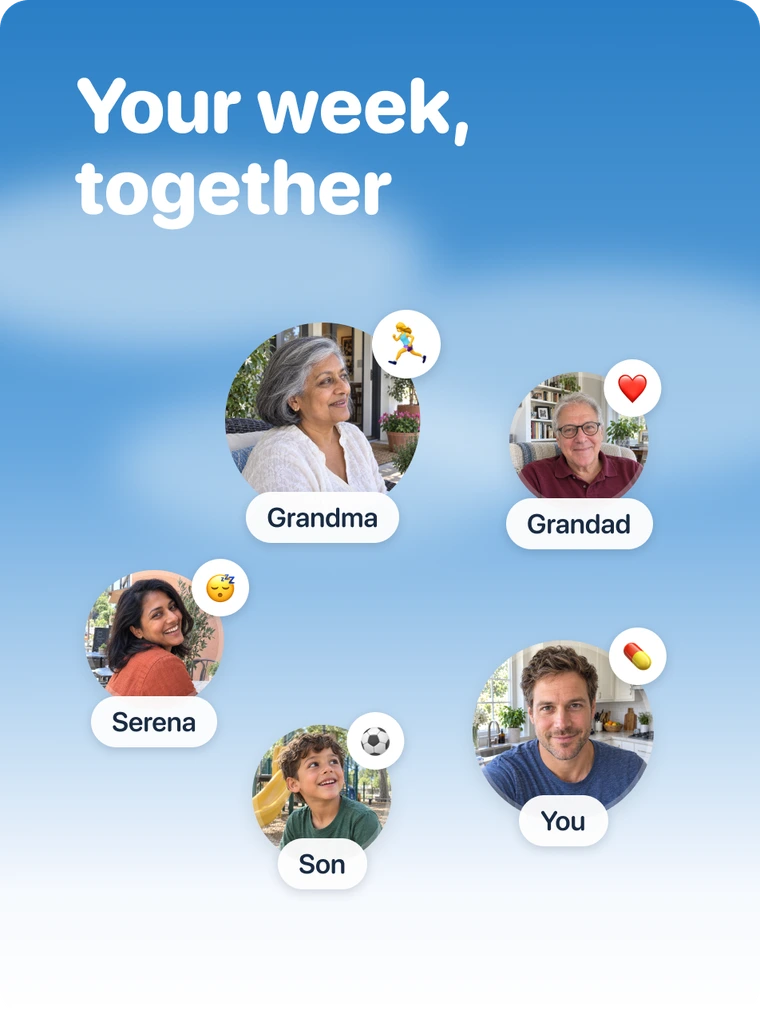
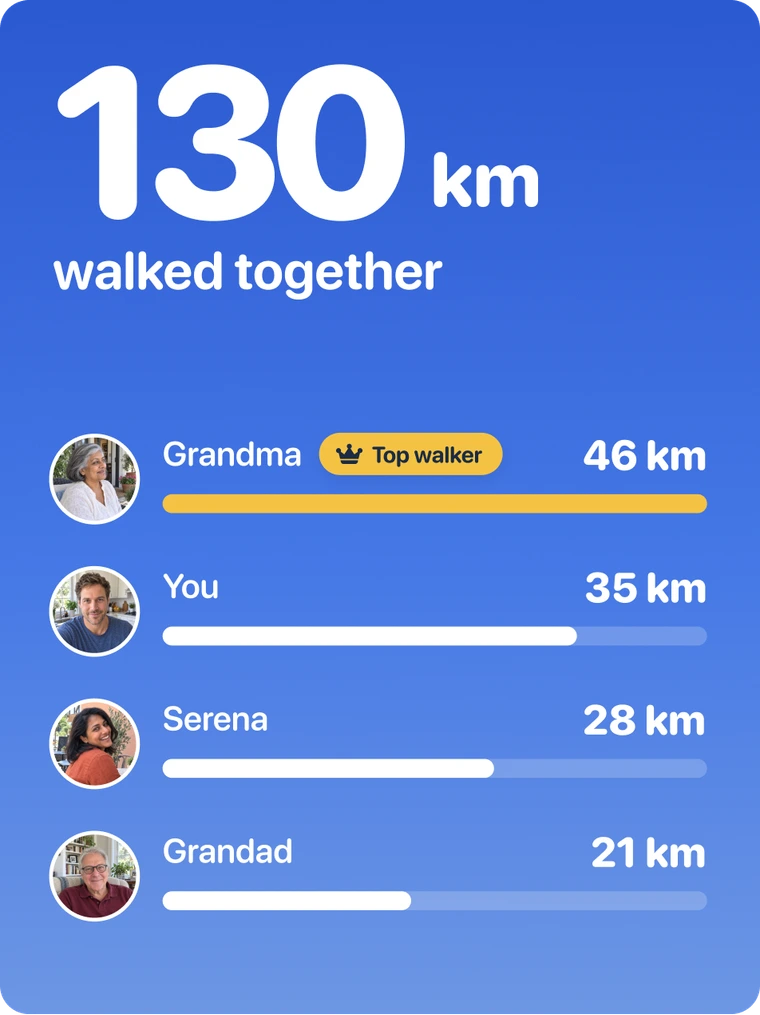
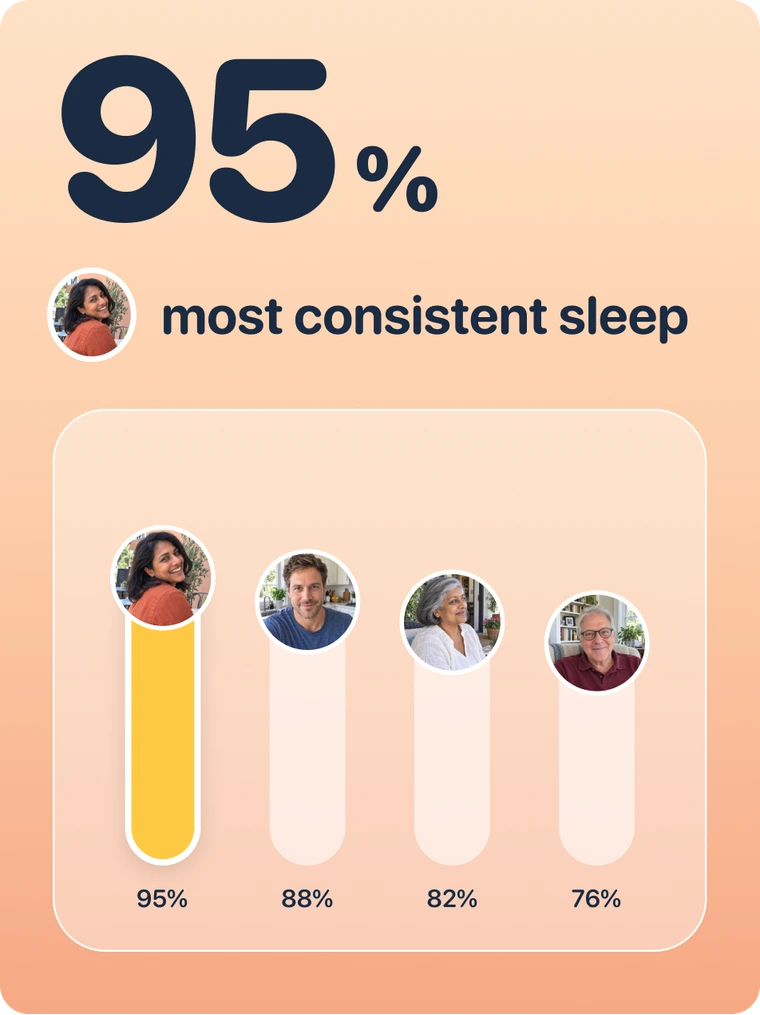
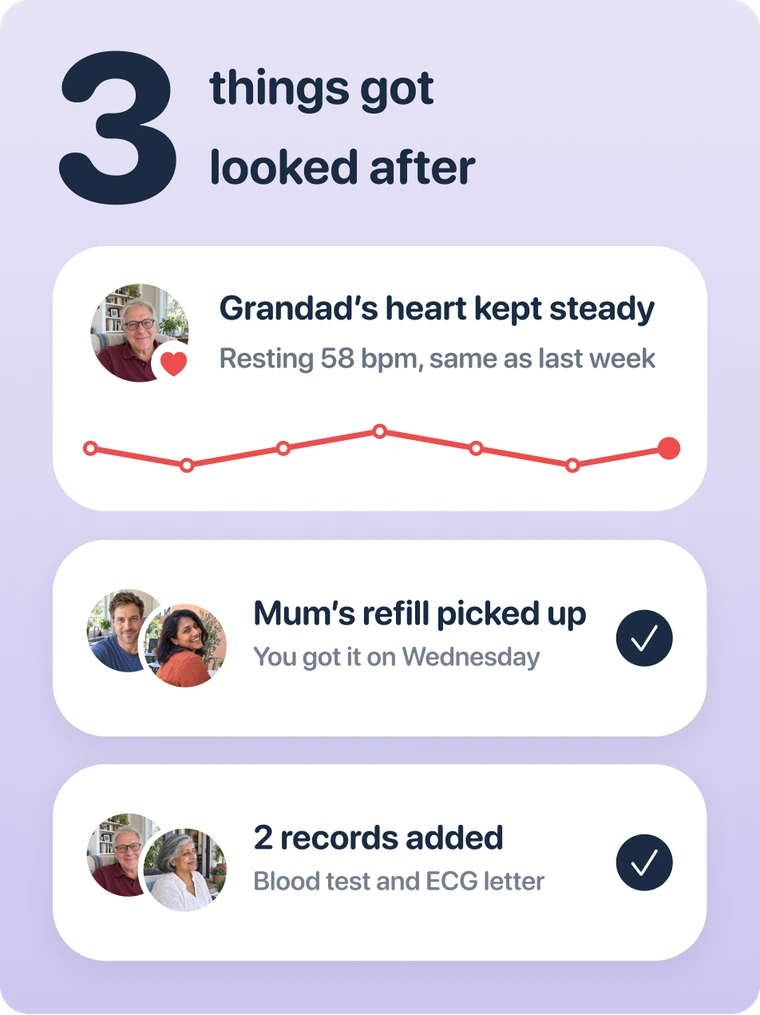



A daily check-in, even from afar
A daily check-in for Mum, and a clearer picture for everyone who cares for her.

- Blood pressure notes saved
- Follow-up added to her calendar
- Questions and answers captured
- Care team’s next steps in one place
- Exercise notes ready to revisit
- Progress shared with the family
Every word from the appointment, kept
Record the appointment with one tap. Keep what the doctor said and the next steps together.

One memory across every specialist
Their medications, symptoms and results, together across specialists. Ask questions from the whole story.
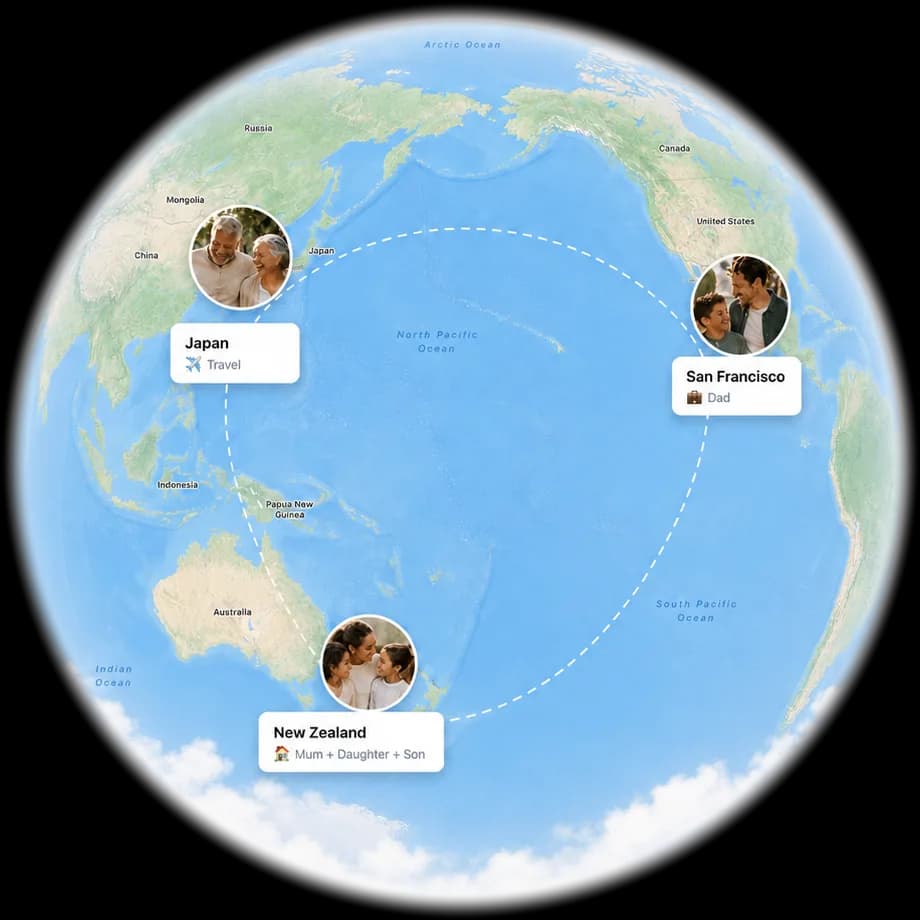
Everyone who needs to know, knows
Keep the whole family informed, across cities and time zones, with shared updates.
Whatever they're managing
Lifelong knows it by name
Their conditions, letters and lab results, organised around the right person.
Heart failure & COPD
Daily weights, breathlessness and medication changes, logged in seconds and followed over weeks.
Diabetes & chronic conditions
Glucose, blood pressure and refills, in one routine the whole family can see.
Post-surgery & acute recovery
Discharge notes and follow-ups, organised for recovery at home.
Before the next appointment
Walk in with the whole story: what to review, ask and bring.
Lifelong is a wellness app and is not a medical device. It does not provide medical advice, diagnosis or treatment. Read the medical disclaimer.
Questions
The short ones are here. For anything else, ask underneath, or read the full FAQ.
Can I keep records for someone who doesn't use the app?
Yes — a parent, a child, someone you care for. You manage a profile for them from your own account, and in doing so you confirm you are legally authorised to hold and make decisions about that person’s health information. That representation matters: if you do not have that authority, you should not be filing their records. The rules, and the channel for someone to have a profile about them removed, are in the Family Sharing Terms.
What can my family actually see?
Only what you have chosen to share with them. When you join a family, the app asks you to choose — per category — what your family can see:
- Daily signals: sleep, activity, heart
- Health records and documents
- Medications, conditions, symptoms and appointments
- Journal entries and notes
Nothing of yours is visible to anyone until you have made that choice and confirmed it. We recommend sharing everything, because a family that can see the whole picture is the point of the product — but it is a recommendation, not a default that happens to you. You can narrow, widen or revoke at any time, per category and per person, and revocation takes effect immediately.
Does whoever created the family get to see everything?
No. The family owner can manage the family’s name and settings, invite and remove members, and end the family. The owner cannot see another member’s health information unless that member has shared it with them. Owning the family is an administrative role, not a privileged view. The same is true of whoever is paying, and of whoever uploaded a document: the person the data is about controls it.
Do I need permission to record my appointment?
Usually, yes — and getting it is your responsibility, not ours. In many places the law requires the permission of everyone being recorded. So ask first: “Do you mind if I record this so I can remember it properly?” Most clinicians say yes. If anyone says no, don’t record. Before your first recording the app shows you the Recording Consent Notice and asks you to acknowledge it.
Is Lifelong medical care?
No. Lifelong is a health information tool, not a medical device and not a substitute for a clinician. It does not diagnose, treat or prescribe, and nothing in it is a medical opinion.
It is also not a monitoring service. Nobody at Lifelong is watching your family’s data, and the app will not summon help. An alert is a prompt to look at something — it is not a clinical finding and its absence is not reassurance. In an emergency, call emergency services. The full detail is in the Medical Disclaimer.
Answered by AI from the pages of this site, and it can be wrong. It isn’t medical advice, so please leave personal health details out.