Lifelong 2.0: your family’s health in one place
Lifelong 2.0 is out: a Health Journey, medicines and conditions, a Health Passport, profiles for the people you look after, a new Home and Alo.

Co-founder & CEO, Lifelong
Lifelong 2.0 is on the App Store. It’s a big one. We rebuilt how you keep track of your own health and the health of the people you look after: what they take, what they live with, and what to bring to the next appointment.
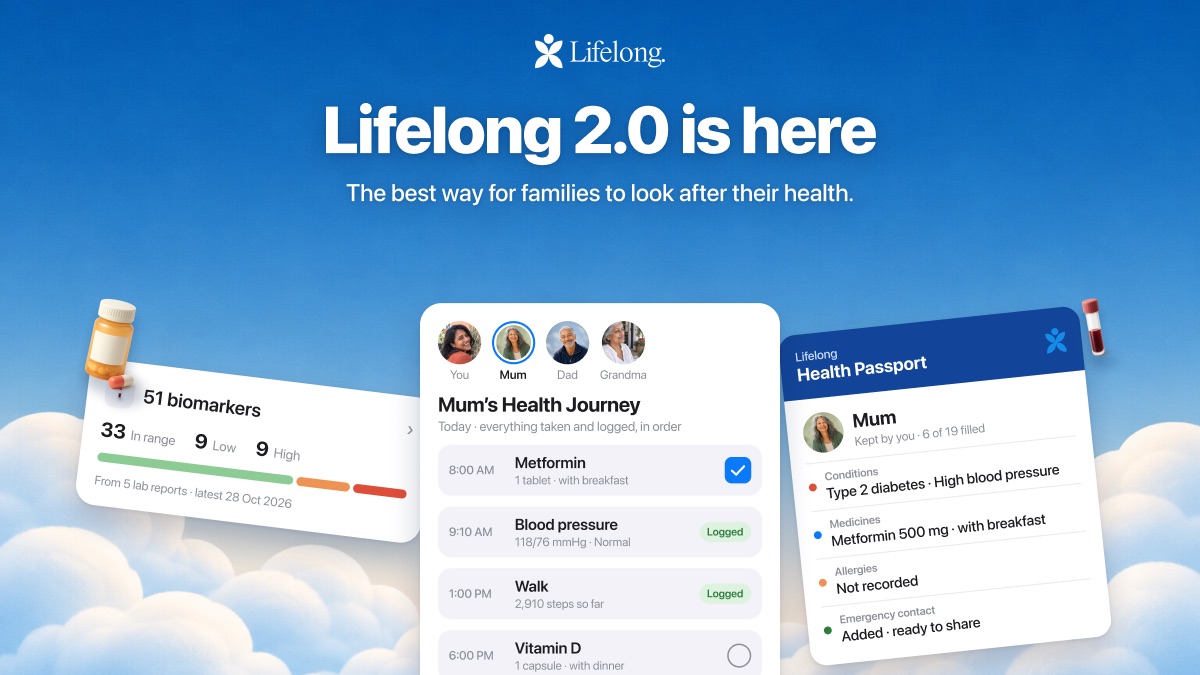
In short
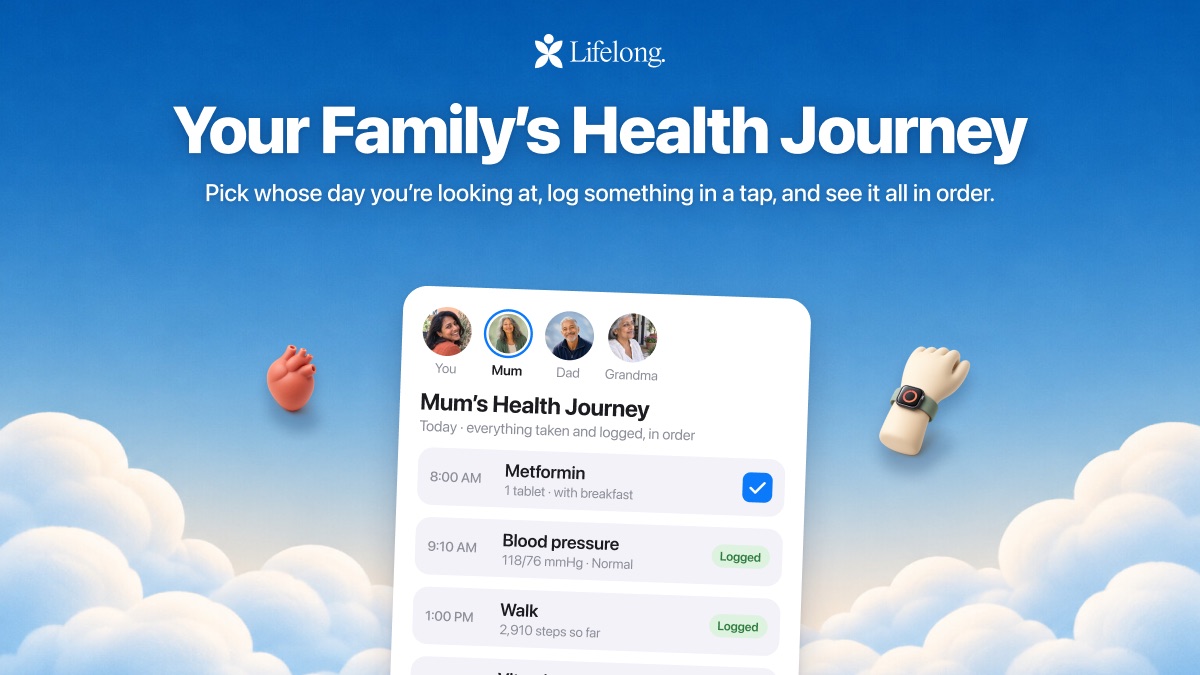
- The Health tab is now your Health Journey: pick whose day you’re looking at, log something in a tap, and see it all in order.
- Medicines are rebuilt. Search or scan one, pick the dose and when, and tick off a due dose from your Lock Screen.
- Conditions explain themselves in plain language, and a Health Passport puts the key details on one card for appointments.
- You can set up a profile for a parent or child you look after, and star them so the app opens on them first.
- Home has an Alerts deck, last night’s sleep against your own usual, and Family Monitor.
Your Health Journey
The Health tab is now your Health Journey. Pick whose day you’re looking at, log a reading, a symptom or a note in a tap, and see everything taken and logged in order, today or across the week.
Medicines
Search for a medicine or scan the box, bottle or prescription, then pick the dose, how many and when. Each one gets a plain-language explanation of what it’s for, a history of every prescription and change, and reminders.
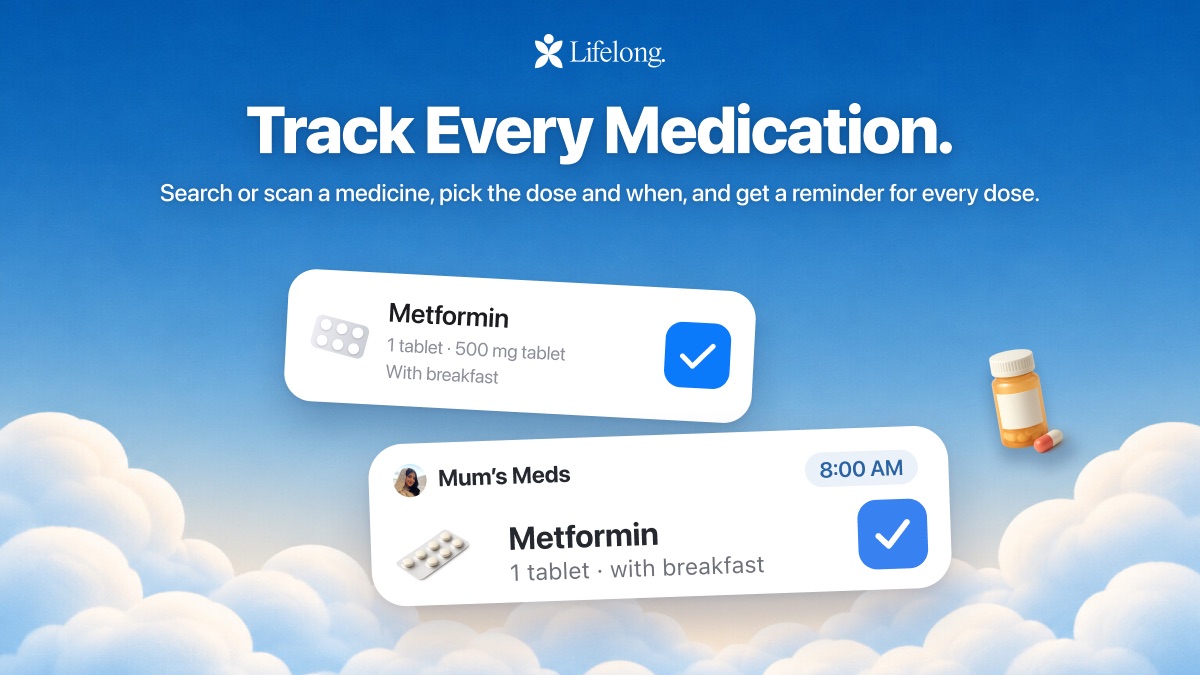
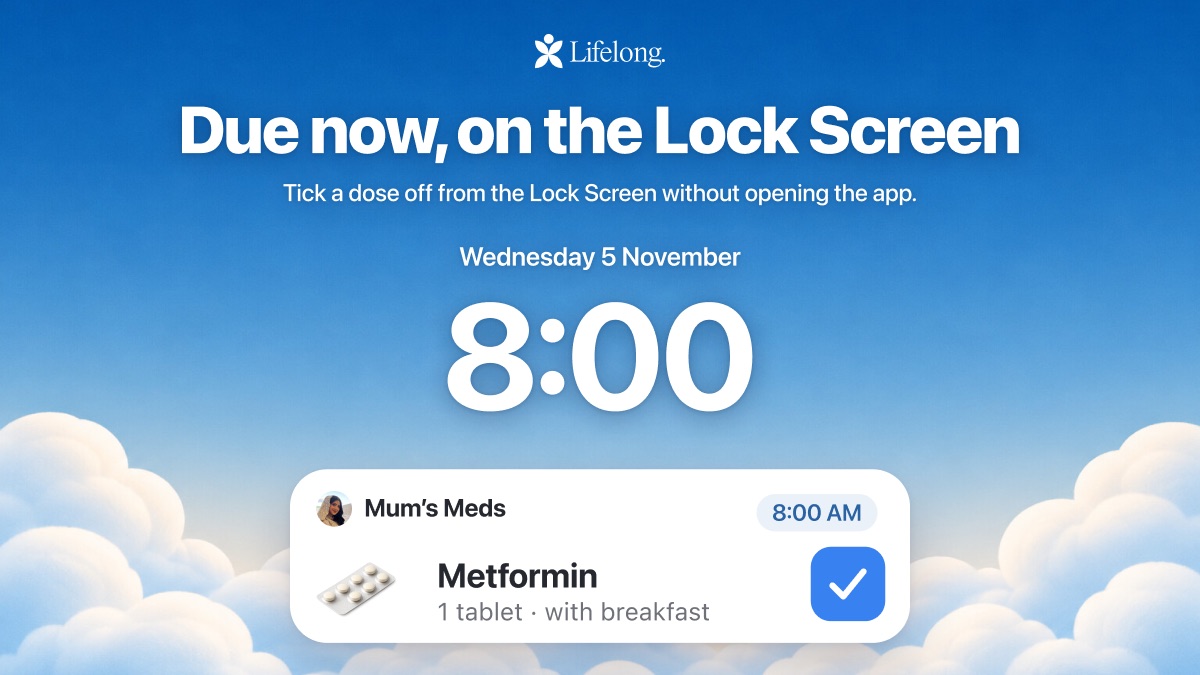
When one of your doses is due, it shows on your Lock Screen. Tick it off there without opening the app.
Conditions
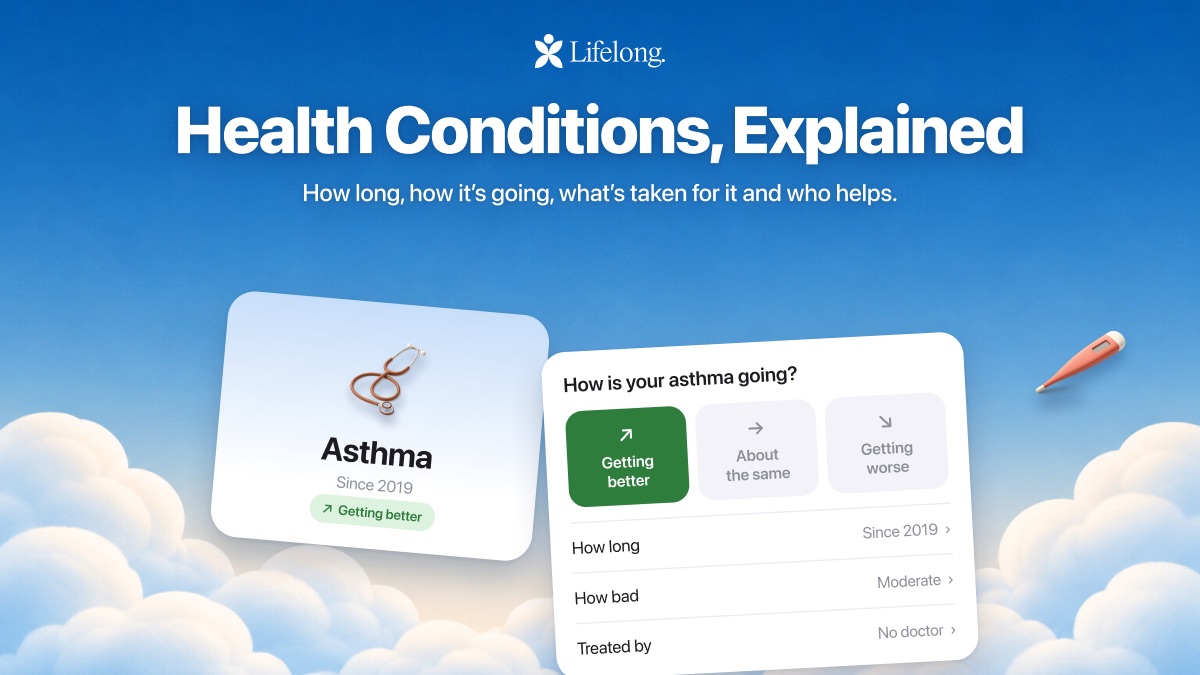
Add a condition with how long it’s been going on, how it’s going, what’s taken for it, whether a doctor is treating it and who in the family helps. Each condition explains itself in plain language, says where the explanation comes from, and links the medicines taken for it.
The Health Passport
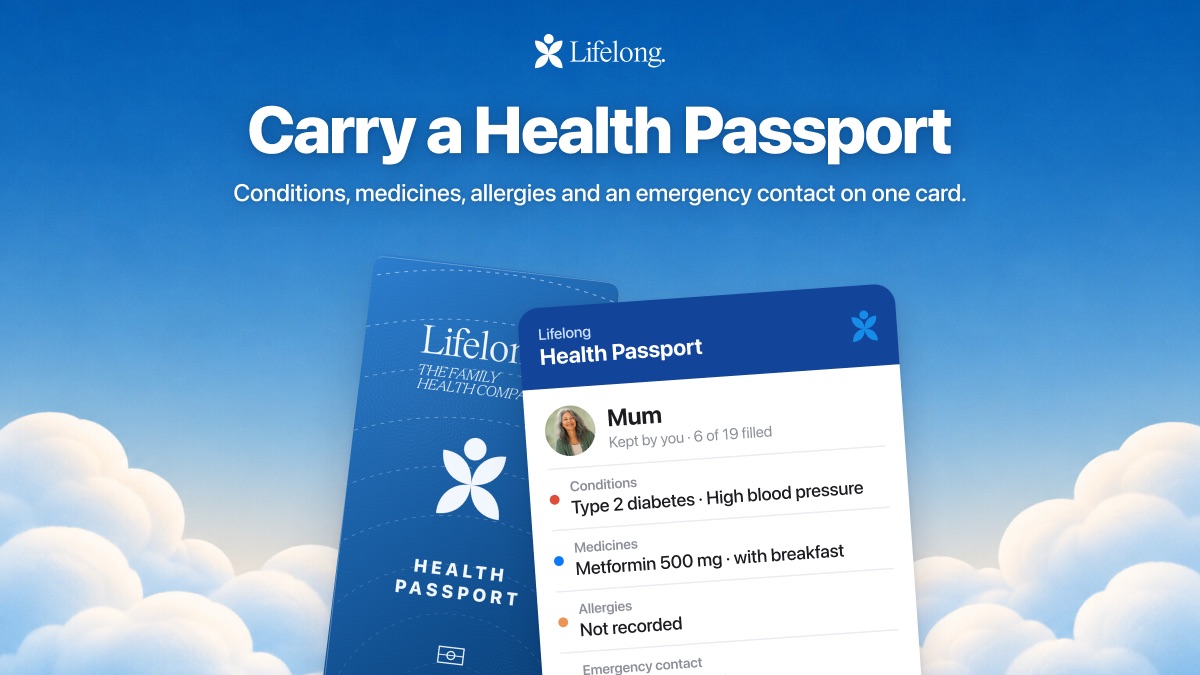
It all comes together in a Health Passport: conditions, medicines, allergies, care team and an emergency contact on one card. Bring it to an appointment, or share it.
Looking after someone
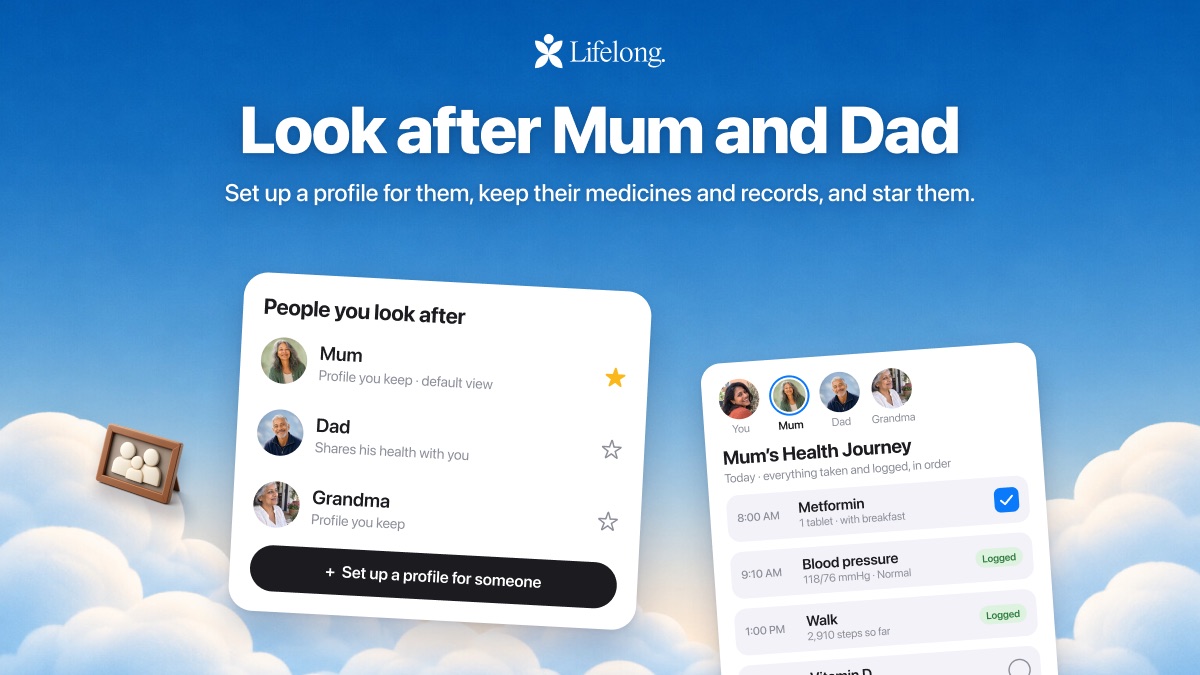
Set up a profile for a parent or a child, keep their medicines and records in it, and star them so the app opens on them first. If you’re the one who keeps track for the whole family, this is for you. There’s more on that in caring for an aging parent as a family.
A new Home
Home opens on an Alerts deck: what changed overnight, one card at a time. Last night’s sleep is set against your own usual rather than someone else’s. Family Monitor puts heart rate, HRV, sleep and steps side by side for everyone sharing with you, each against their own usual, with the family’s steps and sleep for the week underneath. A Next up card shows your next appointment, and the + menu is quicker to get through when you want to add something.
Alo and your records
Alo reads the records you keep in Lifelong. Ask about a recent blood test and it can tell you what the results were against the lab’s own range, and what changed in the medicines recorded after it. It names the document and the date for each part of the answer, so you can open the source yourself. The Alo page has the detail.
Get it
Lifelong 2.0 is on the App Store now. Update, have a look around, and tell us what’s useful and what we should make better.
Sources
- App Store: Lifelongapps.apple.com
Lifelong is a health information tool, not medical care. Nothing here is medical advice; for a decision about someone’s health, talk to their doctor. Medical disclaimer.